Showroom
Showrooms are the heart of the app. They are a Collection Type that allows you to set up and manage a virtual experience by adding a Showroom entry. You can define key details, organize the showroom into a folder, and create hotspots for interactive animations.
Overview
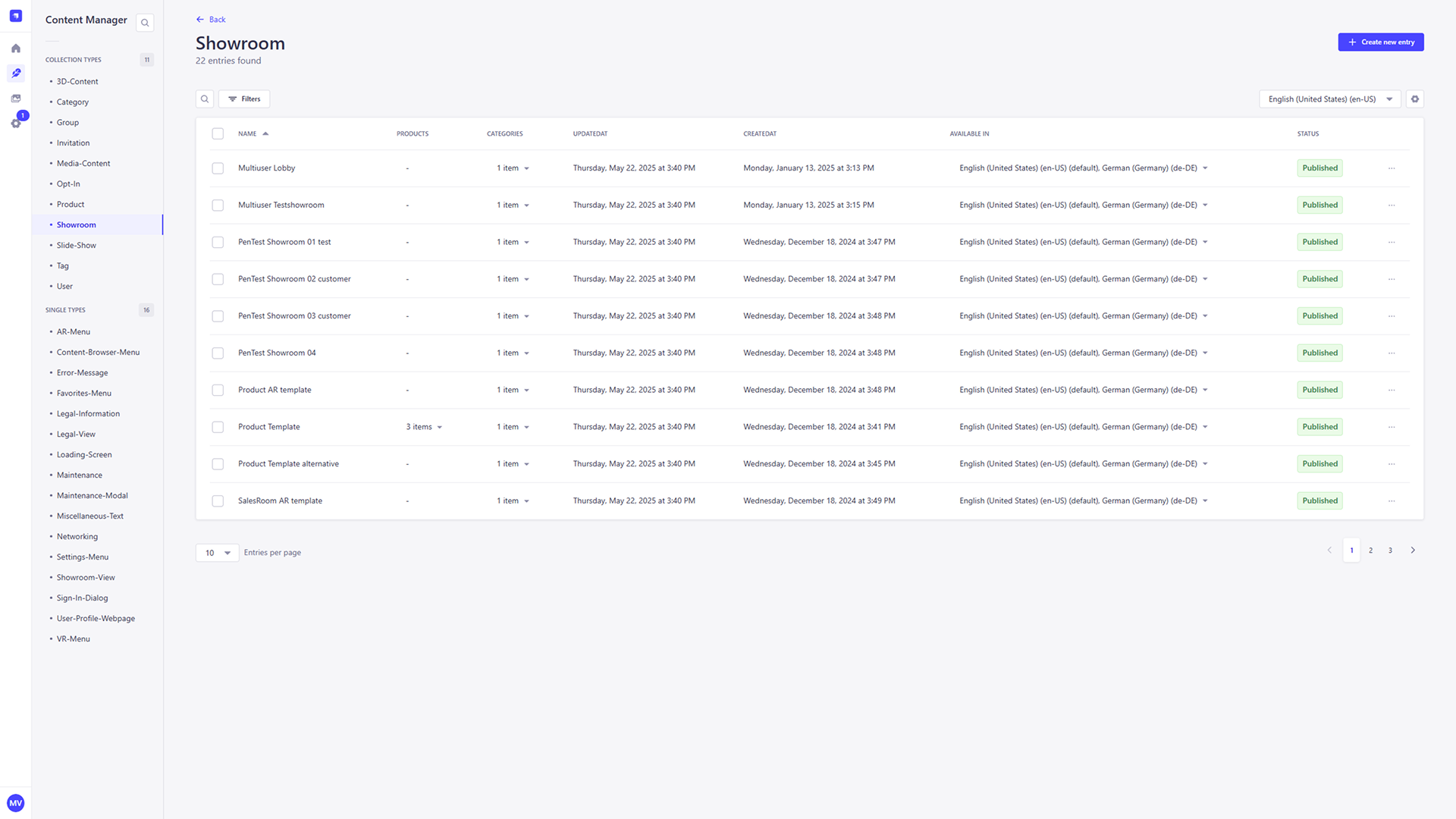
The Showroom section provides a list of all currently created showroom entries. Each showroom entry includes key metadata such as its Name, associated products and categories, creation and update timestamps, supported languages, and publication status.
Adding a new Showroom
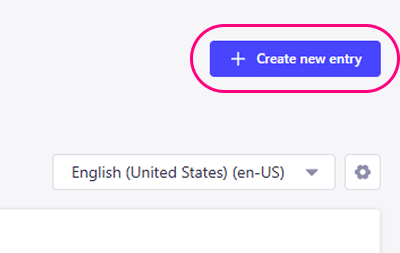
To create a new showroom entry, click the + Create new entry button located in the top-right corner of the Showroom collection view. This will take you to a new screen where you can fill out the showroom's details.
Name
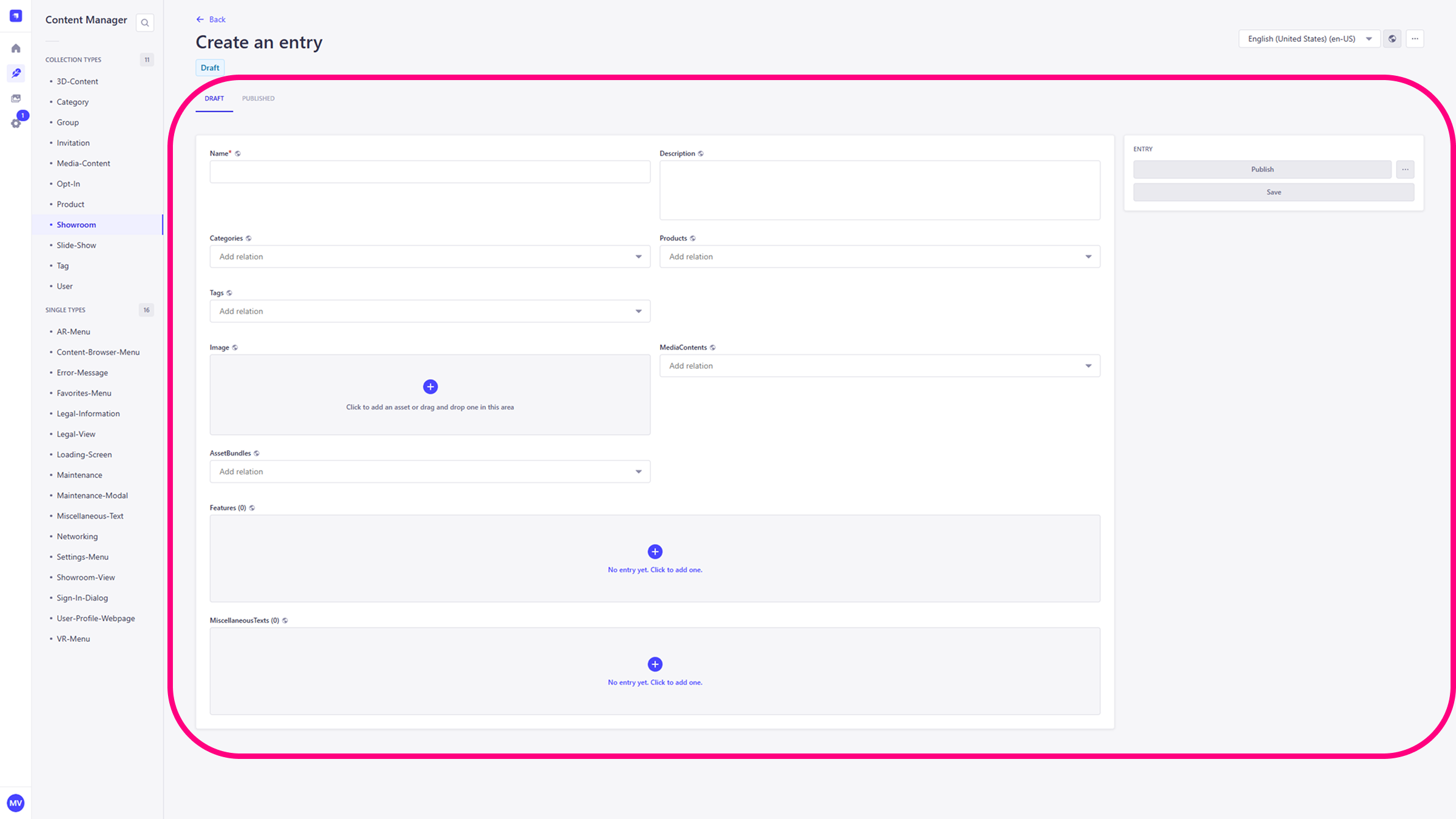
This required field defines the name of the showroom. It serves as the primary label and will appear in the Explorer view as well as at the top of the interface when you open the showroom.
Description
Use this field to provide a brief summary of the showroom's purpose or contents. This information is currently not displayed in the app, but it is intended for a future update where it will be shown via an info button
Categories
Select one or more categories to organize and classify the showroom. Categories help users filter and locate showrooms more easily within the app.
Image
Add a fitting picture of the showroom. The image will be visible in the Explorer view and serves as the visual representation of the showroom.
Hotspots & Animations
This section allows you to create hotspots for animations within your showroom. Hotspots serve as interactive points that trigger animations or other specialized functionality in the virtual space.
Save & Publish
After filling in the required fields, save or publish the entry using the buttons in the upper-right panel.
- Save: Click
Saveto store the entry as a draft in the CMS. - Publish: Click
Publishto make the showroom immediately available in the application.