Avatar
The Avatar Bar is the UI element at the top of the screen that visually represents each participant within a multi-user session. It helps you quickly identify who is present, speaking, or has their microphone muted.
User Avatars
Each user in the session is represented by a unique, color-coded avatar — a circular icon showing their initials. This system helps you quickly differentiate between participants. Key indicators are:
- Custom Avatar Integration: The system is able to integrate personalized 3D avatars in your session through seamless integration with platforms like Ready Player Me.
- Name Labels: Hovering over any avatar reveals the participant's full name, which is useful for quick identification beyond their initials.
- Mute Indicator: A microphone icon with a slash appears on an avatar when the user has muted their microphone.

- Active Speaker Highlight: A green glow appears around a user's avatar when they are speaking.

Your Personal Avatar
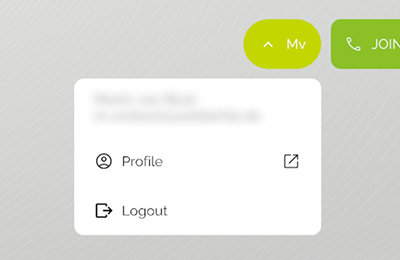
Your personal avatar is displayed on the left side of the Avatar Bar. Unlike the avatars of other participants, yours is an interactive button.
- Open Profile: Clicking the
Profile buttonopens your personal profile settings. - Logout: From your profile settings, you have the option to log out of the VISHOW app.