Account Access
This section is your guide to getting started with the CMS. It provides an overview of how to access your account, log in, and recover your password if needed.
Create Account
To create your account, you will receive a unique invitation link from an Admin or Super-Admin. The invitation process for administrators is managed in the Administration Panel - Users section.
- Click the invitation link provided to you.
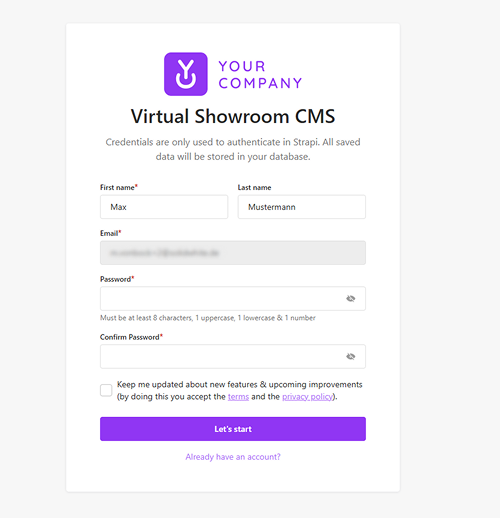
- You will be redirected to the account registration page. Here you can define your account details by entering your First name, Last name, Email, and a Password.
- After filling in the required information, click the
Let's startbutton. - You will then be granted access and automatically logged in to the CMS.
Login
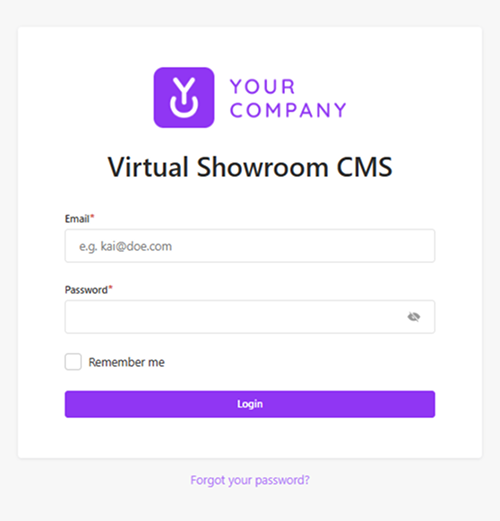
To access the CMS, navigate to the login page and enter your credentials.
Password Recovery
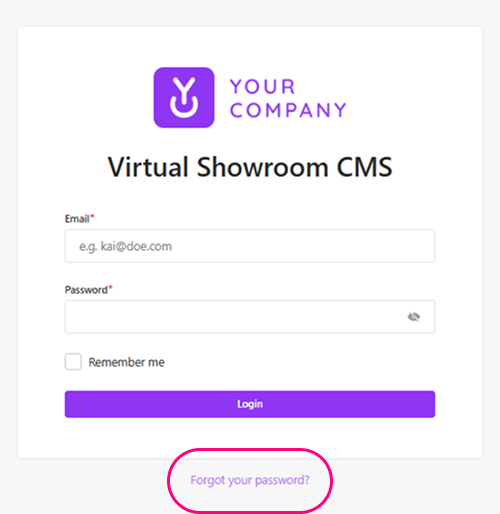
If you forgot your password, follow these steps to reset it:
- On the login screen, click the Forgot your password? link.
- Enter your registered email address in the provided field.
- Click the Send Email button.
- You will receive a reset link in your inbox after a few minutes. Follow the instructions in the email to set a new password.