Profile settings
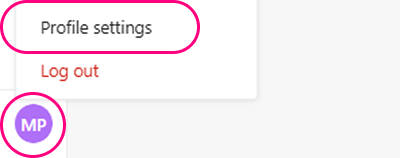
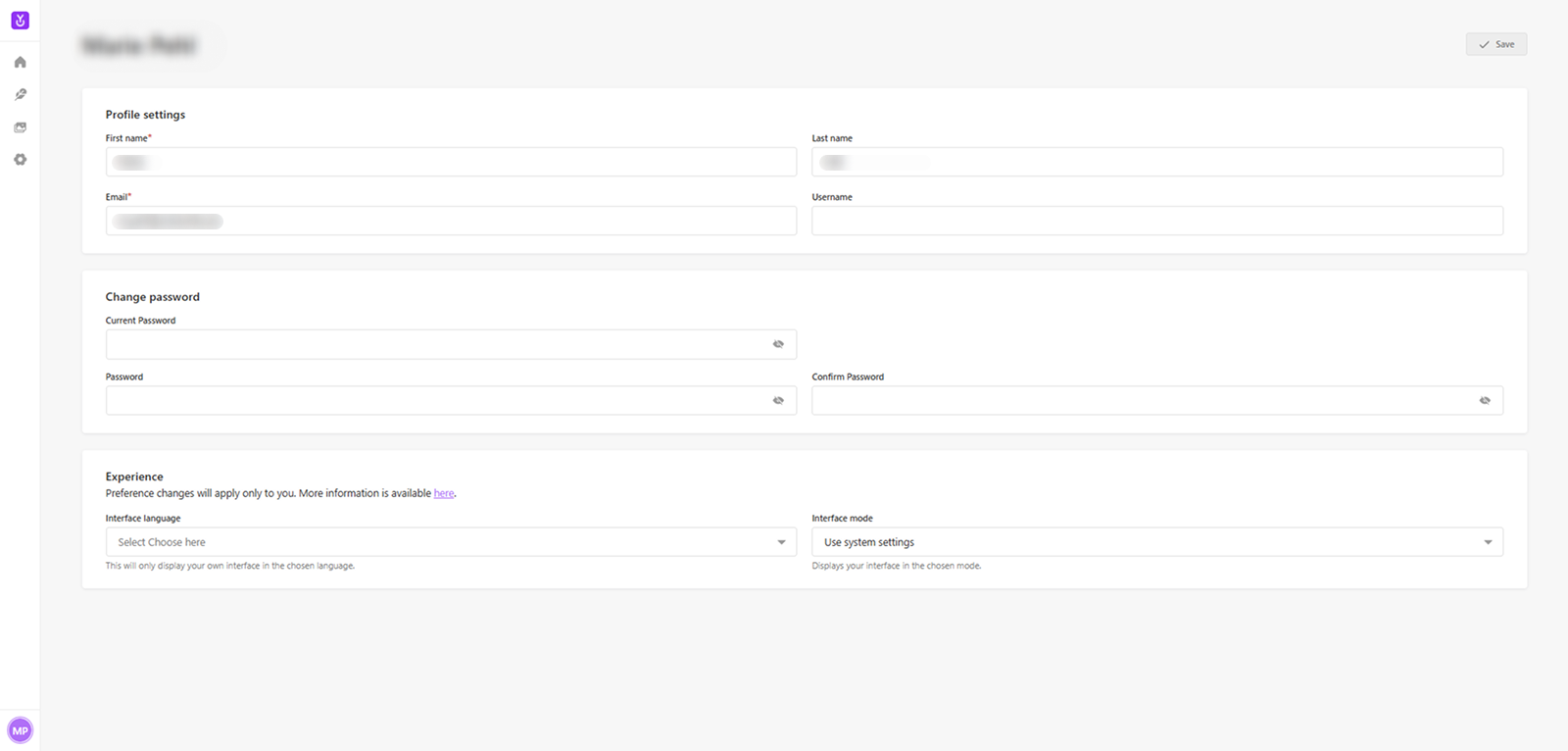
Access your profile and its settings by clicking on your initials in the bottom-left corner of the navigation. A menu will appear with options to navigate to your profile settings. This page allows you to update your personal information and preferences. It is divided into several sections.
Profile
Here you can edit your First name, Last name, Email, and Username.
Change password
This section allows you to change your password at any time.
Experience
The Experience section allows you to customize your interface preferences.
-
Interface language: Select a language for your CMS interface.
-
Interface mode: Choose the display mode for your CMS, or use the system's default settings.
After making any changes to your profile, click the Save button in the top right corner to apply them.
INFO
Your personal settings for Interface language and Interface mode will only be applied to your account. This allows you to set a personal preference that overrides the project's global defaults.