Animation Player
The Animation Player allows users to view guided product presentations in a structured, time-based format. It supports different playback controls, chapter navigation, and various timeline UI styles.
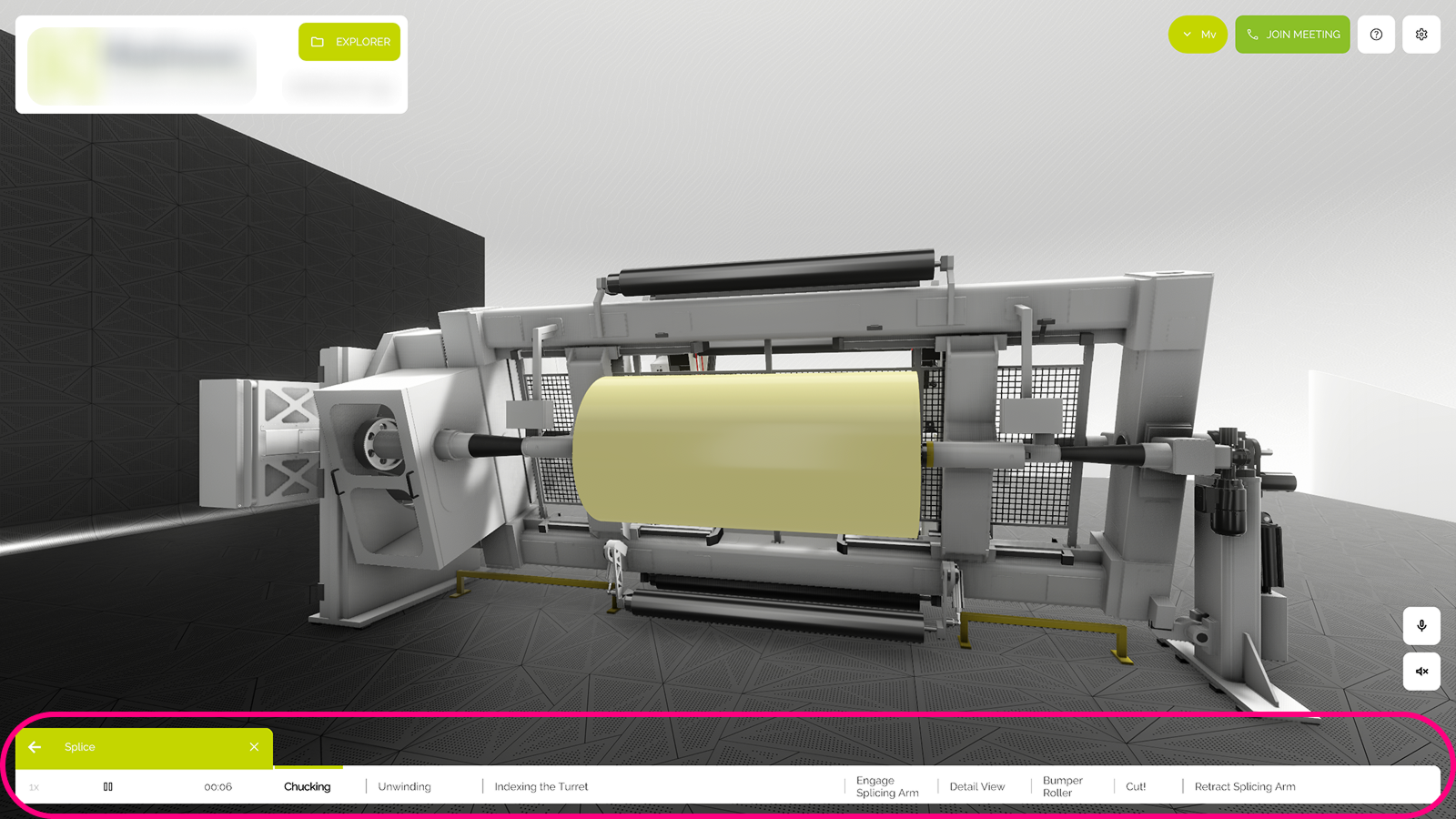
Functions
Animation
Each chapter can trigger specific product animations within the showroom.
Play / Pause
Start or stop the animation at any time.
Time Code
Displays the current timecode of the animation
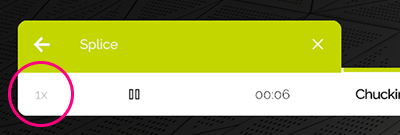
Playback Speed
Adjust the speed of the animation (e.g. 1x, 1.5x).
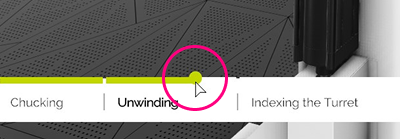
Jump to Time
Skip to a specific timestamp in the animation.
Jump to Feature
Instantly jump to a chapter associated with a specific product or hotspot.
Loop
Enable continuous playback from the beginning once all chapters are complete.
Chapter
Modes
Choose how each chapter behaves after it ends:
- Autoplay: Automatically proceed to the next chapter.
- Chapter Stop: Wait for user input before continuing.
Timeline
Mute System
Control whether the chapter audio is muted or active
UI
Adjust the style of the visual timeline:
- Proportional: Chapter length reflects actual time duration.
- Non-Proportional: Chapters are evenly distributed.
- Custom Colors: Apply custom timeline coloring per chapter or state.
UI Modes
No UI
Use this mode to hide the animation player completely.
Buttons Layout
- Horizontal: Player controls and chapters are aligned horizontally.
- Vertical: Timeline and buttons stack vertically.
- Grid: Present chapters in a tiled format.
Product Info
Show chapter-specific product information as overlay or sidebar.
Media
Display associated images or videos with each chapter.